

In today’s world, a mobile app is a key channel for customer contact. A dedicated mobile app on a user’s device allows for offline operation, sending push notifications, and offers a better experience than a traditional website.
A mobile app is advanced software for iOS and Android systems that utilizes native device functions: camera, GPS, push notifications, motion sensors. Unlike a web app running in a browser, a mobile app runs faster, is more responsive, and offers full access to hardware features.
The mobile app development process includes: business analysis, UX/UI design, technology selection, code implementation, testing, publication in the App Store and Google Play, as well as monitoring and further app development. In this step-by-step guide, we show what mobile app development looks like – from the first idea to deployment and growth.
Step 1: Mobile App Business Analysis – Discovery Phase
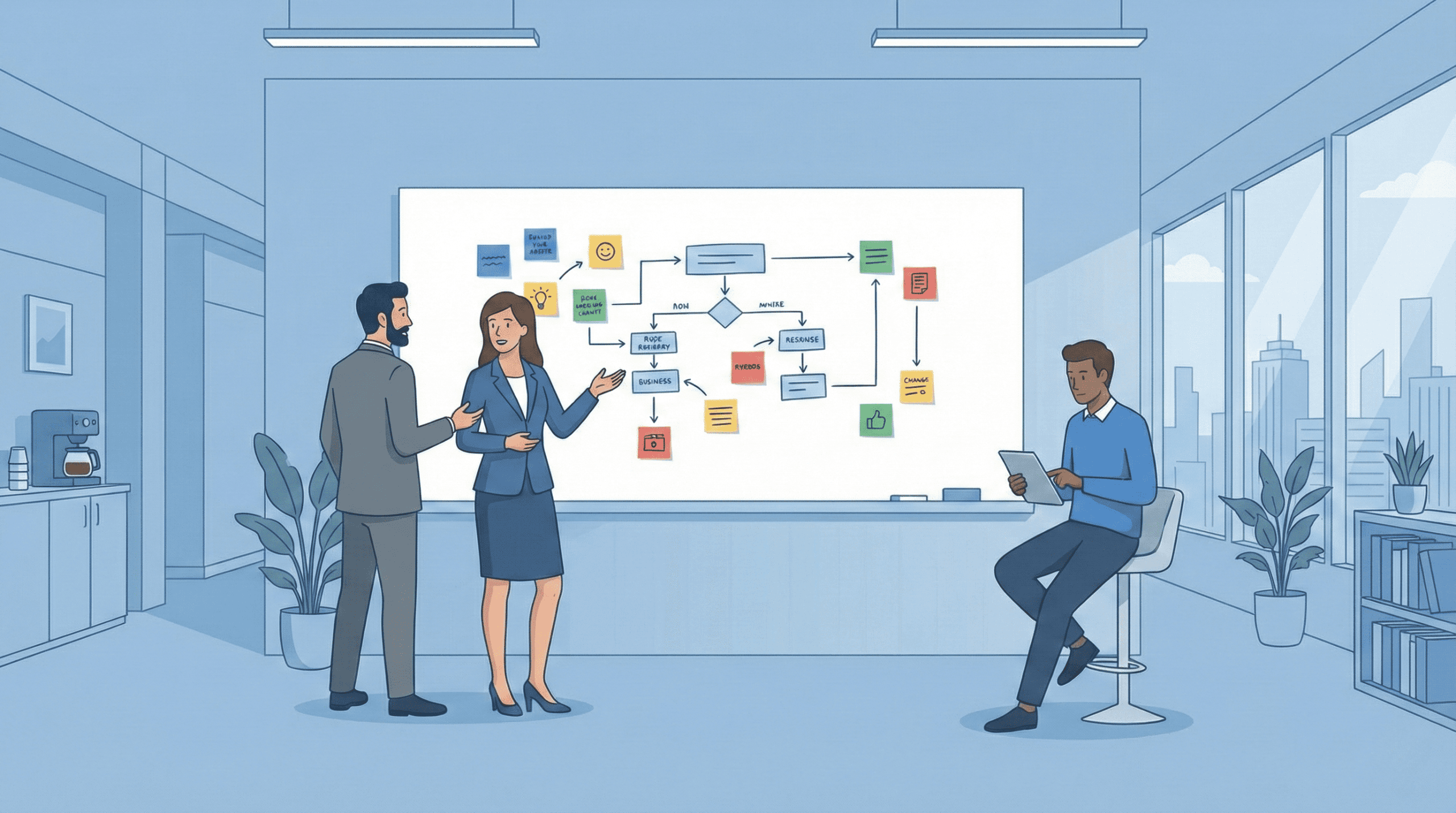
Before the development team writes the first line of code, we analyze what the mobile app is supposed to be, how it should work on Android and iOS systems, and what specific business problems it is meant to solve compared to a web app or website.
The app creation process begins with intensive Discovery workshops – a series of meetings where business analysts, designers, and representatives from your company turn a general vision into a precise set of functional requirements and business goals. We map current processes in the organization, identify problems that can be automated with a mobile app, and define key user personas.
At this stage, it is crucial to determine whether a native app (separate for iOS and Android), a cross-platform solution (React Native, Flutter) using shared code for both platforms, or a hybrid approach connecting a mobile app with a responsive web app is the better solution for your case.
- Precise definition of the business goal: We define the app’s functionality, which business processes it should support, and which user interactions are key. We establish measurable success indicators (KPIs), such as the number of active users or conversion rates.
- Defining the target audience: We analyze in what situations users will use the app – on the go, offline, on various operating system versions. We create detailed personas and paths in the mobile environment.
- Competitor analysis: We compare available mobile apps in your industry, their functionality, user reviews, and ratings in stores to find a unique value proposition.
- MVP Definition: We designate basic functions that will allow for quickly launching the mobile app in stores and testing it with real users.
The result of this stage is detailed project documentation, a product backlog, preliminary solution architecture, a work schedule, and an estimate of time and development costs.
Step 2: Mobile App Design – UX and UI Design
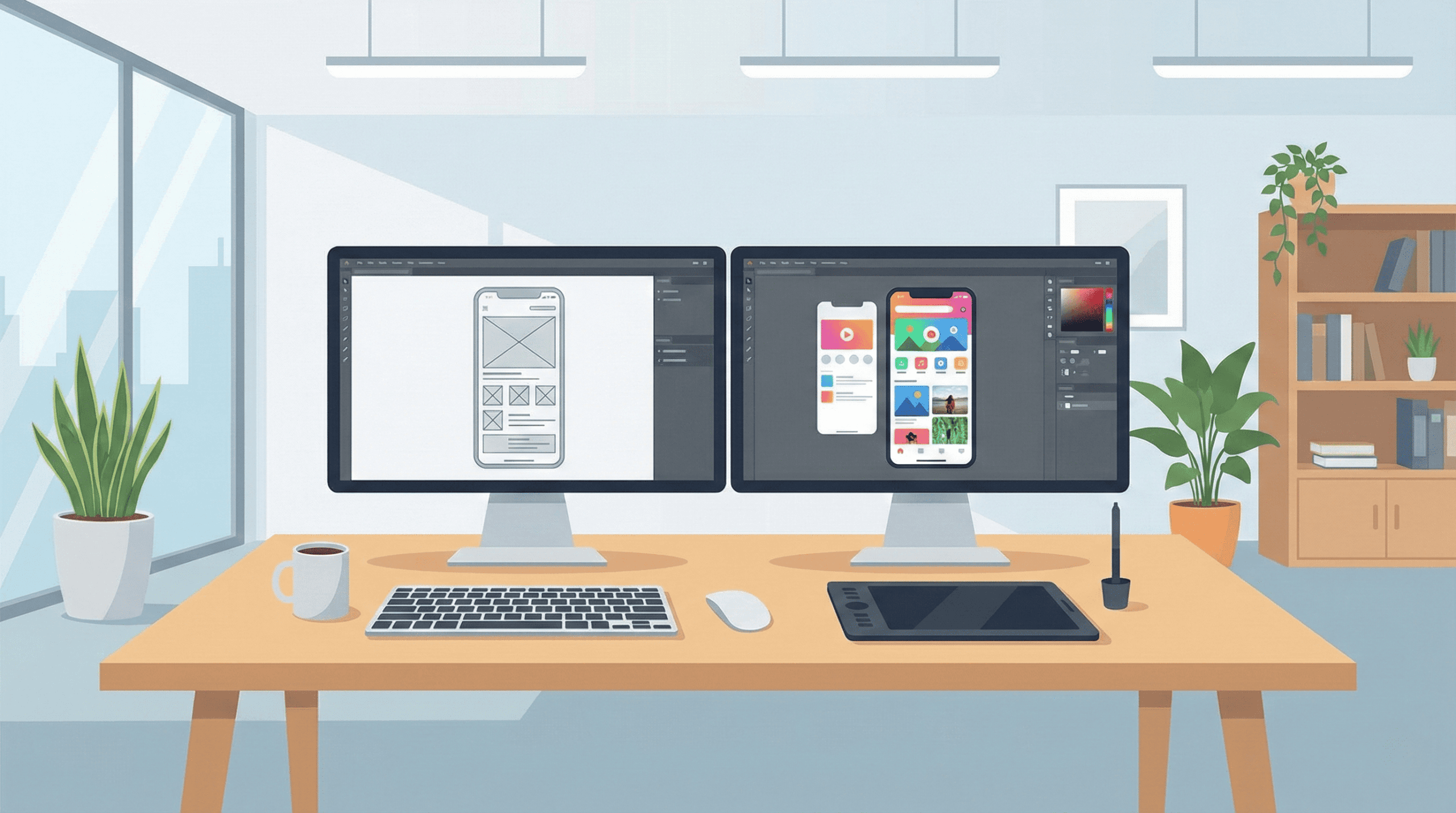
At the design stage, we define how the mobile app will work from the user’s perspective, what screens will appear in a typical usage scenario, and how key functions will be presented in the simplest, most intuitive way possible on a small smartphone screen.
This is where the structure that distinguishes a professional mobile app from a regular responsive site is created – using tools like Figma or Adobe XD, we create interactive screen prototypes and an app mockup: splash screens, onboarding, main dashboard, lists, details, forms, which can be tested with real users even before programming begins.
User Experience (UX) – Designing Experiences
UX designers prepare mockups (wireframes) in which we plan user flows between screens, navigation, key interaction points, and mobile device limitations resulting from small screens and touch operation.
We design information structure, screen transition logic, error messages, and animations so that the user can quickly achieve their goal without unnecessary steps and frustration.
In the case of mobile apps, understanding the context of use is especially important – whether the user uses the app on the move, in poor coverage conditions, with one hand, or in offline mode. Usability tests of prototypes on real devices allow us to catch navigation and readability issues before they become costly errors.
User Interface (UI) – Interface and Visual Layer
At the UI level, we select a color palette, typography, icon style, button shapes, and transition animations so that the interface is consistent with the brand’s visual identity and simultaneously compliant with platform guidelines – Material Design for Android and Human Interface Guidelines for iOS.
We apply a “mobile first” approach, optimizing element layouts for different screen sizes (smartphones, tablets), aspect ratios, and orientations, as well as for different operating system versions.
We create a design system – a collection of interface components (buttons, cards, lists, headers) and design rules – which ensures visual consistency throughout the app, speeds up development work, and facilitates future app maintenance.
Step 3: Technology in Mobile Apps – Frontend, Backend, and Infrastructure
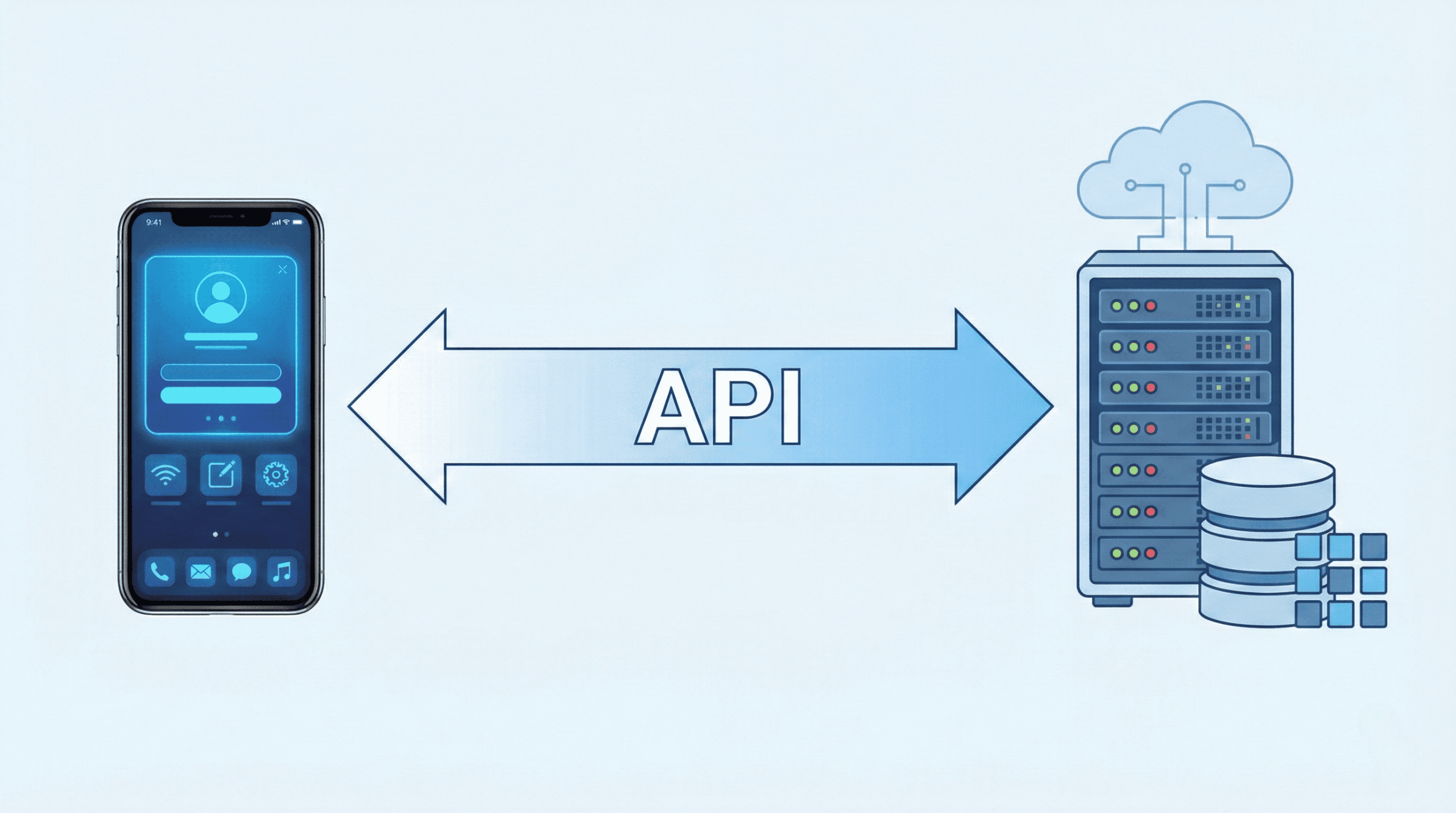
A professional mobile app utilizes a range of technologies – from platform-level programming languages (Swift for iOS, Kotlin for Android) to cross-platform frameworks (React Native, Flutter), and server-side languages (Python, Node.js, Java) – all to deliver advanced functionality and high performance to users.
Choosing the right tech stack is a strategic decision in the mobile technology world, affecting development costs, time-to-market, performance on various devices, and future expansion possibilities.
Native Apps vs. Cross-Platform Apps
Native apps (Swift for iOS, Kotlin for Android) are written directly in the platform’s language, offering the best performance, full access to device functions, and perfect integration with each platform’s design guidelines. However, the requirement to create separate apps for iOS and Android increases time and costs.
Cross-platform apps (React Native, Flutter) allow writing code once and running it on both platforms. This solution significantly lowers costs and speeds up the creation process. Flutter and React Native offer quasi-native performance and access to most device capabilities.
Mobile Frontend and Backend – App Architecture
Frontend is the part of the app running on the user’s phone, managing the interface and collecting data. Backend is the server-side logic where the app processes data, performs complex calculations, and communicates with the database and external systems (CRM, payments).
Cloud server infrastructure (AWS, Google Cloud, Azure) ensures scalability, high availability, and geographic redundancy, so the app remains accessible even in the event of a failure.
Step 4: Mobile App Design and Development – Agile
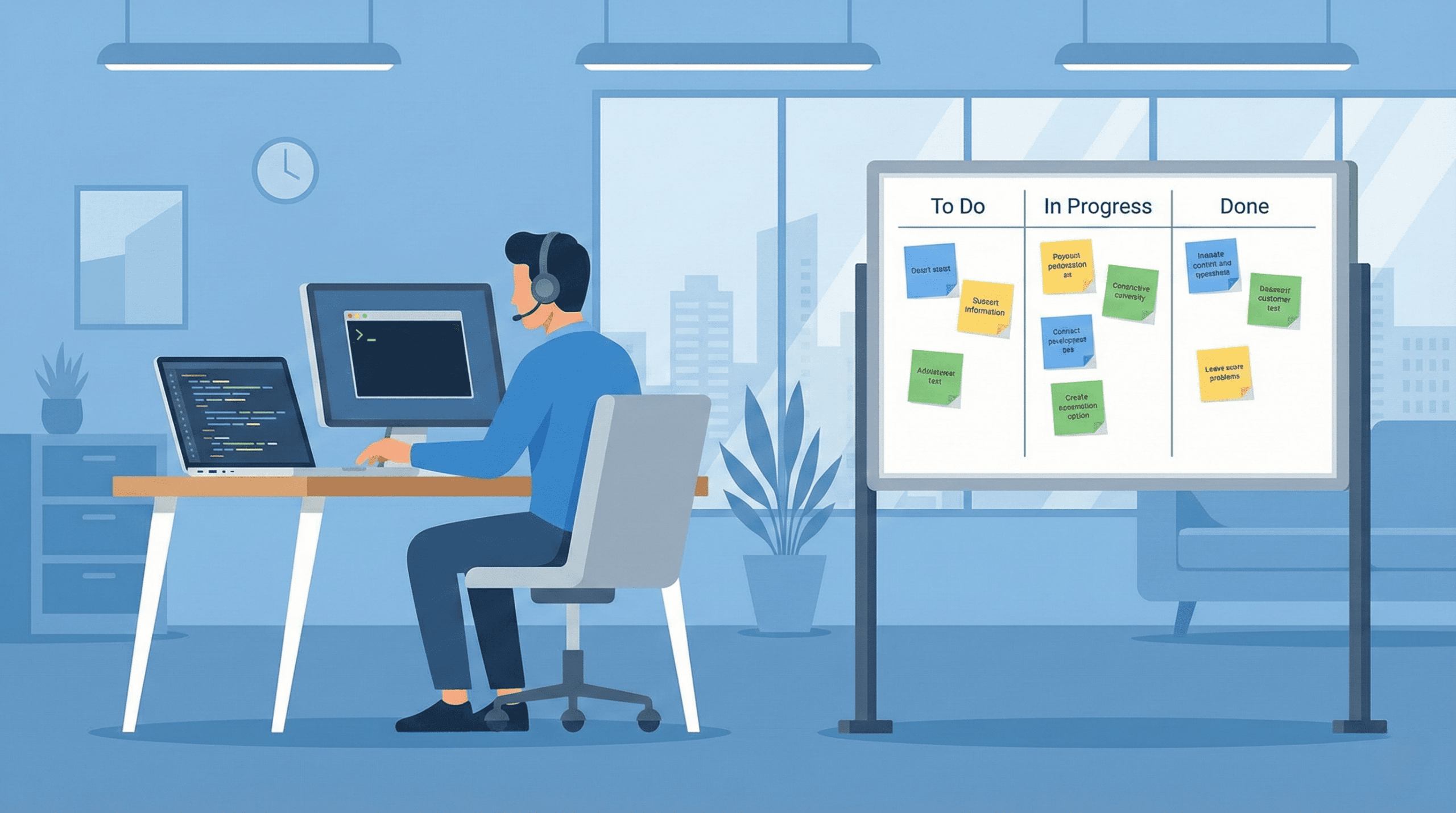
At this stage, the developer team starts programming the app, implementing subsequent functionalities according to the backlog – this is the actual creation process where graphic designs turn into working code.
We work in the Agile methodology using the Scrum framework – dividing the project into short, two-week sprints. In each sprint, the team focuses on delivering a specific, working fragment of the app: login module, catalog screen, payment system, or push notifications.
After each sprint, we organize a Demo meeting where we present the work results on real devices, collect feedback, and plan further iterations. This approach allows for seeing progress in real-time, flexibly changing priorities, and quickly reacting to problems.
During development, we apply best practices: code review, automated tests, continuous integration/continuous deployment (CI/CD), and version control in Git.
Step 5: Mobile App Testing (QA) and Quality Assurance
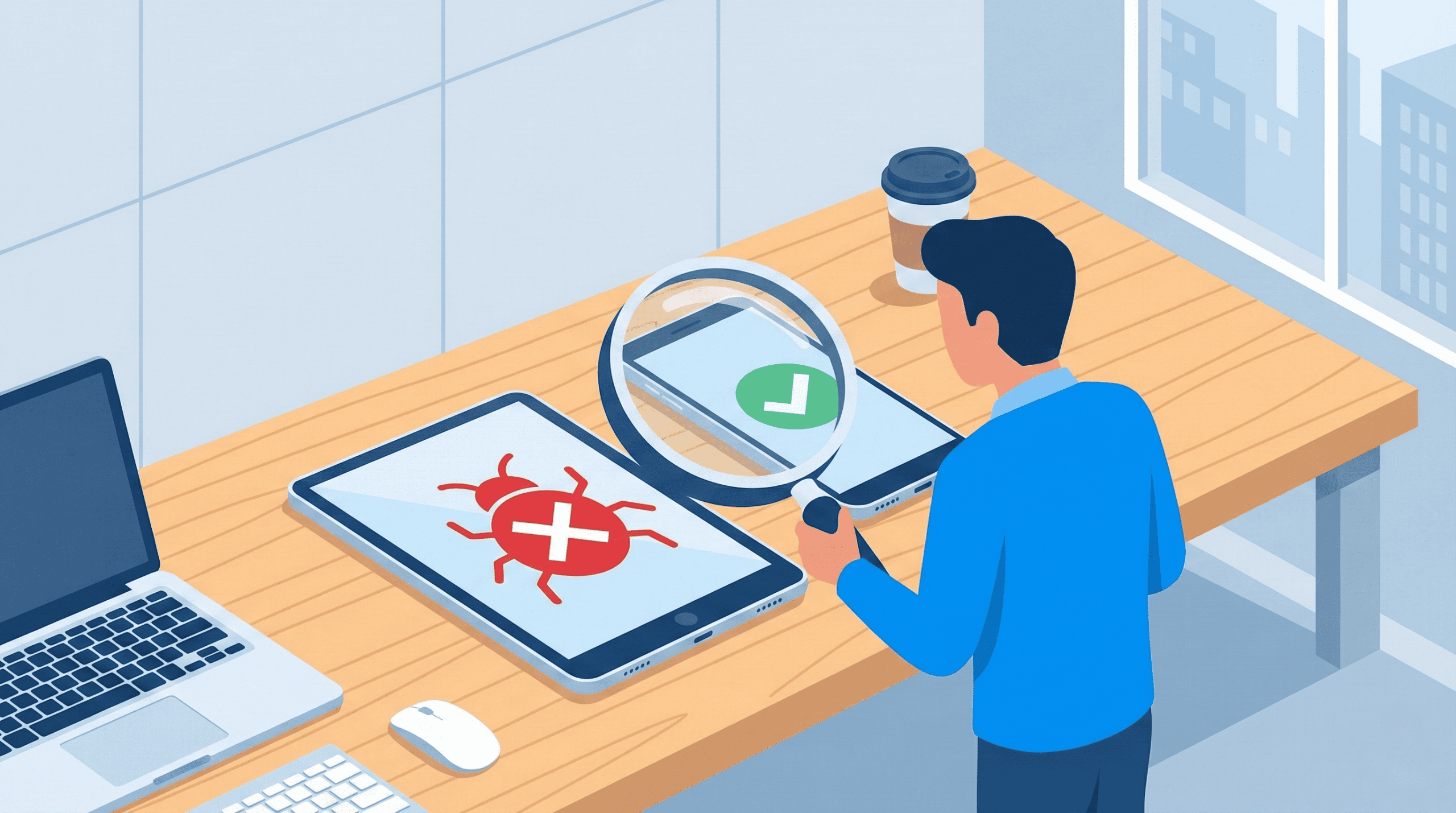
Mobile app testing is a key stage of the process. Functional, performance, and security tests ensure that the app runs stably on various devices and system versions.
The QA team conducts multi-level tests: manually checking every function according to scenarios, running automated regression tests after every code change, and performing performance tests simulating thousands of concurrent users.
We check operation on various physical devices and emulators (iPhone, Samsung Galaxy, etc.), on different system versions (iOS 14-18, Android 12-15), and in different network conditions (WiFi, 4G, 5G, offline mode).
We also test security – performing code audits for vulnerabilities, verifying encryption of communication and sensitive data storage, and ensuring GDPR compliance.
Testing the app in real conditions includes startup time, memory usage, battery life, and handling poor coverage. Only after successfully passing all tests is the app ready for publication.
Step 6: Mobile App Publication – Store Deployment
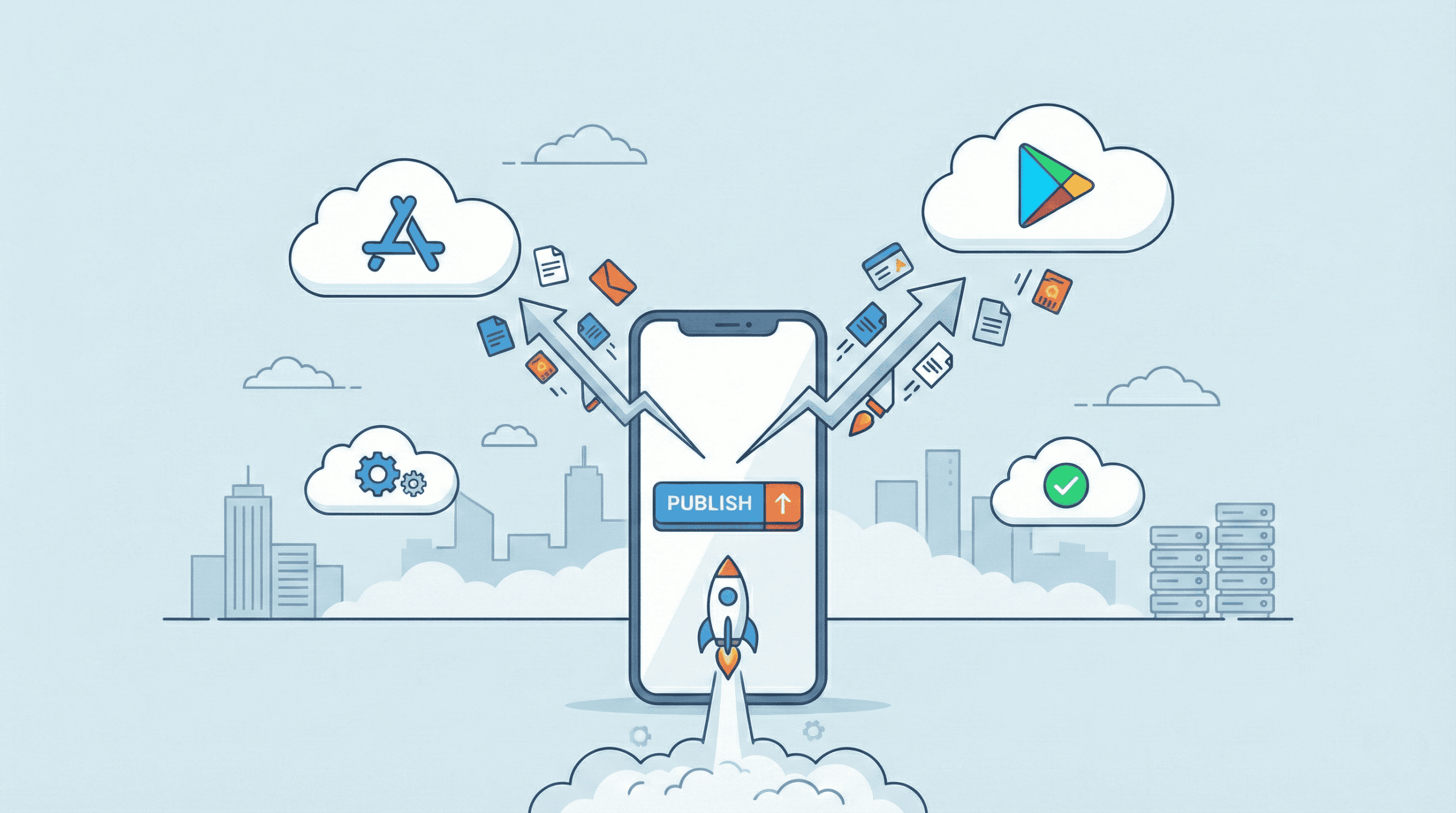
After successful tests, we prepare the app for publication in stores – App Store (iOS) and Google Play (Android). The deployment process is the final stage before reaching users worldwide.
Deployment includes: preparing promotional graphics, descriptions, screenshots, and trailers. We configure metadata, keywords (ASO), and pricing. We obtain certificates and approvals from Apple and Google, verifying the app’s security, privacy, and functionality.
Simultaneously, we configure production infrastructure, monitoring, alerts, and the continuous deployment pipeline so that future updates can be released quickly and securely.
After launch, we start 24/7 monitoring – tools like Firebase, Sentry, or AppCenter track performance, errors, and user behavior in real-time.
Step 7: Maintenance, Monitoring, and Mobile App Development

Our work does not end on launch day. A mobile app is a living product that requires constant care and further development to remain competitive and secure in a dynamic market.
After deployment, we offer:
- Maintenance and Technical Support: Fixing bugs, updating libraries, performance optimization. Support for new system versions and devices.
- 24/7 Monitoring: Tracking server availability, errors, and user behavior in real-time.
- Analytics and Feedback: Analyzing data on how users use the app and which features are most popular.
- Further Development: Expanding the app with new features according to business needs in 2–4 week cycles.
Mobile App vs. Web Apps – Key Differences
Entrepreneurs often wonder whether to invest in creating a mobile app available in the App Store and Google Play, or a responsive web app available via browser. Both technologies have their advantages, and the choice depends on business specifics.
Mobile apps are native programs installed directly on the device, offering full access to hardware functions – camera, GPS, push notifications, motion sensors, offline mode. This makes them faster, more responsive, and able to work without internet. The app icon on the home screen builds a stronger bond with the brand.
On the other hand, web apps run through a browser and do not require installation. This is a universal solution running on every system, which lowers creation costs. Users always use the latest version since updates are deployed centrally.
It is worth considering PWA (Progressive Web Apps), which combine features of both – running in a browser but capable of being “installed”, sending notifications, and working offline. This is a competitive solution for companies looking for quick deployment at lower costs.
Why Invest in a Mobile App? Advantages
Unlike a standard website, whose main task is content presentation, mobile apps offer interactive data handling, process automation, and integration with external systems.
A dedicated mobile app offers the following advantages:
- Offline Availability: The app can work without a connection, syncing data when coverage returns. Ideal for fieldwork.
- Push Notifications: The ability to send personalized messages directly to the phone screen, increasing engagement.
- High Performance: Native apps run fast thanks to direct access to device functions.
- Full Hardware Access: Utilizing camera, GPS, biometrics allows for creating advanced features (e.g., AR, navigation).
- Brand Awareness: Constant presence of the icon on the phone screen reminds of the company every day.
- Better UX: Gestures and animations tailored to mobile specifics are harder to achieve on the web.
- Monetization: Easy implementation of freemium models, in-app purchases, or ads.
Looking for a partner to create a professional mobile app for your company? Contact us, and we will talk about implementation details, technologies, and costs.