
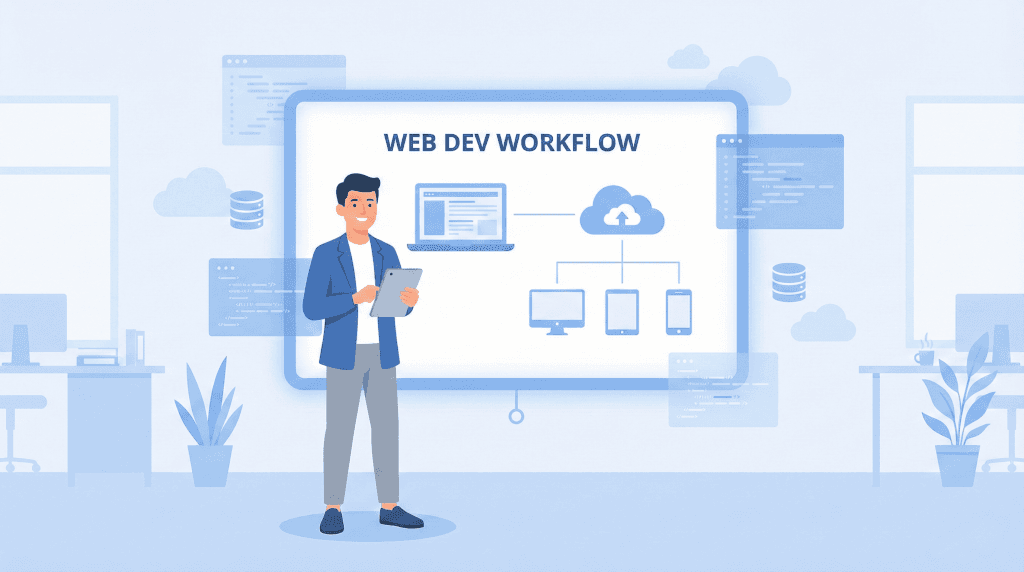
In today’s dynamically changing digital landscape, applications have become a fundamental technology supporting businesses, and the traditional website is increasingly giving way to an advanced web application, a computer program running in a web browser.
Just a decade ago, browsers were used primarily for viewing static websites; today, they are environments where modern web applications run – interactive programs launched in browsers that allow users to perform specific actions and process data regardless of operating system.
Unlike simple sites, where a website is a collection of HTML documents, most companies today need an advanced web application that combines the functionality of desktop applications and mobile applications with the convenience of browser access.
Dedicated web applications are a type of software that runs on a server, communicates with the browser on the user side, and uses web technologies such as HTML, CSS, and JavaScript.
Such a web application allows users to interact, handle transactions, manage data, or integrate with other systems, such as CRM or ERP systems, and thanks to this, applications become the foundation of digital transformation in enterprises.
As an experienced Software House, we often hear the question: What are web applications and how does the application development process proceed from the first idea to deployment on production servers.
In this step-by-step guide, we show what web application development looks like – from business analysis, through user interface design and development in programming languages such as JavaScript, Python or PHP, to testing, web application updates and further development.
Step 1: Business analysis of a web application – Discovery Phase

Before our team starts programming the first functionality, we analyze what the application should be, how the web application should work, and what business problems it should solve compared to a traditional website.
The application development process always begins with intensive Discovery workshops – a cycle of meetings during which a team of business analysts, system architects, and representatives of your company transforms a general vision into a precise set of functional and business requirements. We map current processes in your organization, identify bottlenecks, places where time is lost or data duplication occurs, and define key user personas – from a salesperson needing quick access to offers, through a customer expecting 24/7 self-service, to management requiring real-time financial reports.
At this stage, it is crucial to determine whether in your case a better solution is an extensive web application, a simple website, or progressive web apps (PWA), which combine the advantages of mobile and web applications. We verify previous assumptions, accelerate further work thanks to a clear scope, and also identify various types of web applications that may meet your needs.
- Precise definition of the application’s business goal: We determine exactly what the application should do, what processes it should automate, and what interactions with the user are crucial. We establish measurable success indicators (KPIs), such as conversion growth, service time reduction, or number of active users.
- Defining the target audience: We analyze how the user will use the application – from a desktop computer, mobile devices, or both systems simultaneously. We create detailed personas and their user journeys.
- Competitive analysis: We compare different types of web applications present on the market and their functionality, especially where there is a direct comparison “web application vs. website”. We look for your unique value proposition (USP).
- MVP definition: We define basic functionalities that will allow for quick deployment of the web application and testing it among real users. MVP allows you to verify business hypotheses without multi-month investments.
The result of this stage is detailed project documentation, a product backlog, a work schedule, and a preliminary estimate – everything prepared so that the further application development process runs smoothly and without surprises.
Step 2: Web application design – UX and UI Design
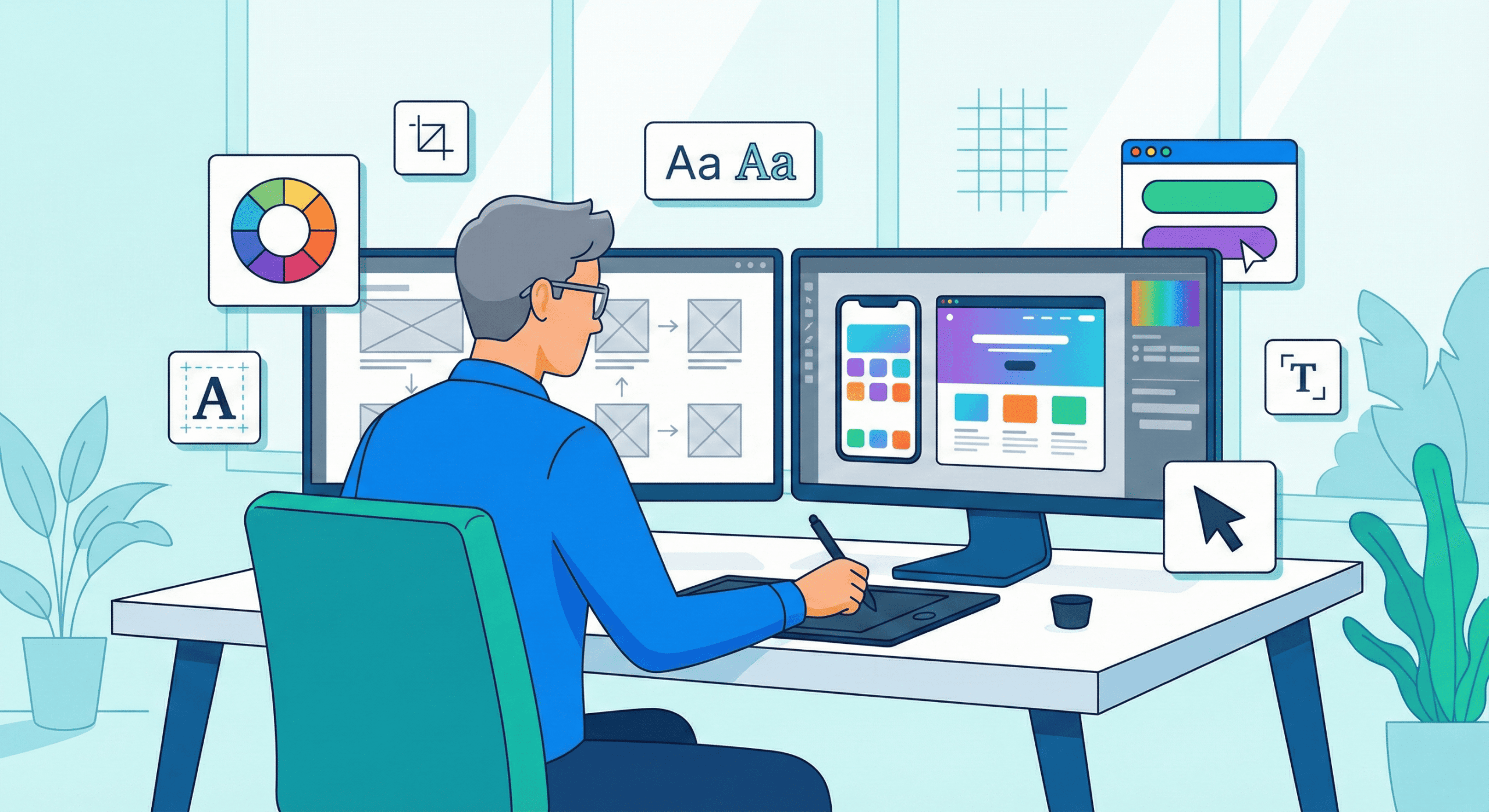
At the design stage, we define what the application looks like from the user’s perspective, how the interactive user interface will behave, and how the web application offers the most important functions in the simplest possible way.
This is where the structure is created that distinguishes advanced web applications from a standard website, whose main task is content presentation. In tools such as Figma, interactive prototypes of key application screens are created – dashboards, forms, admin panels – which can be tested with real users before writing the first line of code.
User Experience (UX) – Designing experiences in a web application
UX designers create wireframes in which we plan the application’s operation: User flows, interaction points, and screen division, so that the application is maximally interactive and intuitive. We design information architecture, navigation, and the hierarchy of elements on the screen, ensuring that the user can complete their task as quickly as possible and without frustration.
In the case of web applications, it is particularly important to understand in what contexts the user interacts with the system – whether they use a mobile web browser while traveling or a desktop work environment in the office. Usability tests on prototypes allow us to catch design problems before they become costly errors in code.
User Interface (UI) – Visual layer of a web application
At the UI level, we select a color palette, appropriate font (typography), button shape, icon style, and micro-animations so that the interface is consistent, readable, and visually attractive, and the web application allows users to quickly find the necessary functionalities.
We apply a “mobile first” approach so that the modern web application looks good on both desktop and mobile screens, and CSS and JavaScript are responsible for responsiveness and dynamic behavior of interface elements. We create a design system – a collection of interface components and design rules – that ensures visual consistency throughout the application and accelerates further development work.
Step 3: Technology in web applications – Frontend, Backend and Infrastructure
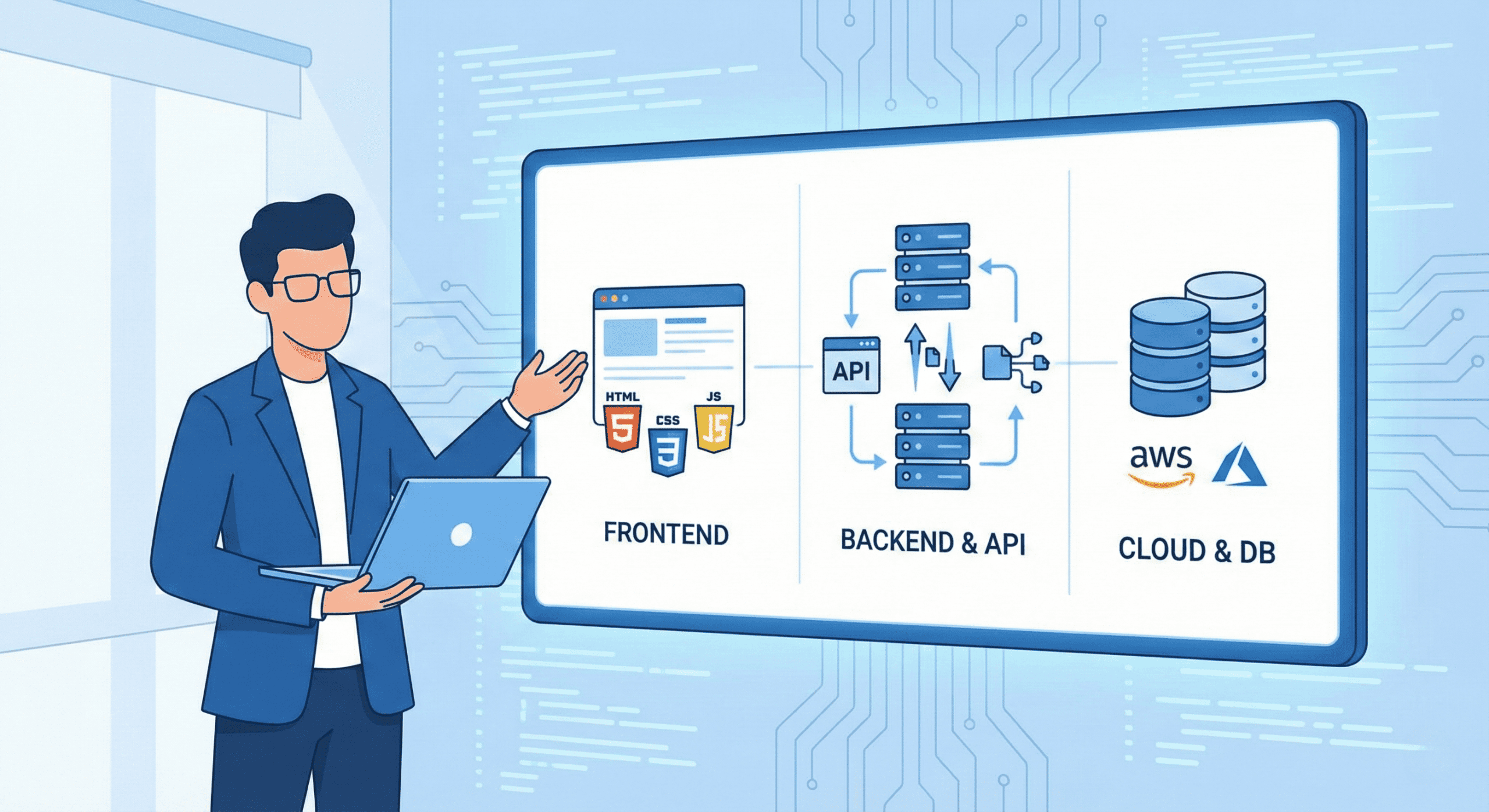
A professional web application uses a range of technologies – from HTML, CSS, and JavaScript to server-side programming languages such as Python, Java, or PHP – to deliver extensive functionality and high performance to users.
Choosing the right technology stack (tech stack) is a strategic decision that affects development costs, system performance, ease of programmer recruitment, and the possibility of future application expansion. Our team of architects analyzes project requirements and proposes technologies proven in similar implementations.
- Frontend: The layer that the user sees in the web browser, usually created in HTML, CSS, and JavaScript technologies or using modern frameworks such as React, Angular, or Vue.js, which allow building SPAs, i.e., single-page applications that work smoothly and dynamically. The frontend is responsible for data presentation, form validation on the user side, and communication with the backend via API.
- Backend: Server-side logic, where the web application processes data, performs complex calculations, communicates with the database and other systems, such as CRM systems, payment platforms, or external APIs. Here we use programming languages such as Java, Python, PHP, or Node.js, depending on the project specifics and performance requirements. The backend is also responsible for user authorization, data security, and business logic of the application.
- Database and servers: The layer storing user data – from account information, through transaction history, to user-generated content. We select relational solutions (PostgreSQL, MySQL) for structural data requiring complex relationships, or NoSQL databases (MongoDB, Redis) for applications requiring instant access to large volumes of data. Server infrastructure is configured in the cloud (AWS, Azure, Google Cloud), which ensures scalability, high availability, and automatic backups.

Step 4: Web application development and project management (Agile)
At this stage, the development team starts programming the application, implementing subsequent functionalities according to the backlog – this is the proper web application development process, in which graphic designs and technical documentation turn into working code.
We work in the Agile methodology, most often according to the Scrum framework, which means dividing the project into short, two-week cycles called sprints. In each sprint, the team focuses on delivering a specific, working fragment of the application – e.g., a login module, user management panel, or payment system. After each sprint, we organize a Demo meeting at which we present the results of our work to you, collect feedback, and plan the next iterations.
This work organization has key advantages: You see progress on an ongoing basis (you don’t wait half a year for a “black box”), you can flexibly change priorities in response to changing business needs, and project risk is dispersed – if something doesn’t work, we detect it quickly and can correct course.
During development, our team applies best engineering practices: Code review (every code change is checked by another programmer), automatic unit and integration tests, continuous integration/continuous deployment (CI/CD), and work in the Git version control system. A dedicated Project Manager oversees the schedule, communication, and risk management so that the project runs smoothly.
Step 5: Web application testing (QA) and quality assurance

Functional, performance, and security tests ensure that in the case of web applications there are no errors preventing interaction with the user interface and that the system is resistant to overloads.
The Quality Assurance (QA) team conducts multi-level tests: Manually checks each application function according to test scenarios, launches automatic regression tests after each code change, and performs performance tests (stress tests), simulating thousands of simultaneous users to check whether the application will not “crash” under load.
We check the application’s operation in various web browsers (Chrome, Firefox, Safari, Edge) and on many devices with different screen resolutions, so that web applications can be easily used regardless of operating system or hardware type. We also test security – we conduct code audits looking for vulnerabilities (such as SQL injection or XSS), verify data encryption, and compliance with regulations such as GDPR.
Only after successfully passing all tests and obtaining your acceptance (User Acceptance Testing – UAT), the application is ready for deployment to the production environment.

Step 6: Web application deployment, maintenance and development
After successful tests, the web application is deployed to production servers – from this moment, the web application is available to users via URL, similar to a standard website, but offers much richer functionality.
The deployment process includes production environment configuration in the cloud, database migration from the test environment, SSL certificate setup for secure HTTPS connection, DNS configuration, and launching tools for monitoring application performance and availability. We use modern solutions such as Docker (application containerization) and Kubernetes (container orchestration), which facilitate scaling and ensure high system availability.
But our work does not end on the premiere day. A web application is a living product that requires constant care and development. After deployment, we offer:
- Maintenance and technical support: Fixing any bugs, updating libraries and frameworks for security reasons, and optimizing performance in response to growing user traffic.
- 24/7 monitoring: Systems such as New Relic or Datadog track application performance, server availability, and errors in real time so that our team can respond before users notice problems.
- Further development: In the following months, we analyze data on user behavior (analytics), collect feedback, and develop the application with new functionalities according to the evolving needs of your business. We implement web application updates in regular cycles so that your digital product always remains competitive.
Web applications vs. mobile applications – key differences

Entrepreneurs often wonder whether it is better to invest in a web application or a mobile application available in stores such as App Store or Google Play. Both technologies have their advantages and limitations, and the final choice depends on business specifics and user needs.
Mobile applications are native programs installed directly on a device (smartphone or tablet) that offer full access to hardware functions – camera, GPS, motion sensors, push notifications, or offline mode. Thanks to this, mobile applications are faster, more responsive, and can work even without internet access. The user also gains convenience – the mobile application icon on the phone’s home screen speeds up access and builds a stronger bond with the brand.
On the other hand, web applications run through a web browser and do not require installation on the device. It’s a universal solution – one web application works on every operating system (iOS, Android, Windows) and device (desktop, tablet, smartphone), which radically reduces the costs of creating web applications. The user always uses the latest version because web application updates are implemented centrally on the server, without the need to download a new version from the App Store.
It is also worth considering progressive web applications (PWA), which combine features of both worlds – they work in the browser like web applications, but can be “installed” on the phone’s home screen, send push notifications, and work partially offline, making them a competitive solution compared to traditional mobile applications.
In summary: If you need a fast, universal solution accessible on multiple platforms with a limited budget, a web application will be a better choice. If, on the other hand, advanced functionality, highest performance, and full integration with mobile device functions are crucial, it is worth considering a native application.
Why invest in a dedicated web application? Advantages of web applications
Unlike a standard website, whose main task is content presentation, web applications offer interactive work with data, process automation, and the ability to integrate with many external systems.
A dedicated web application works as a computer program in a browser, does not require installation on user devices, and can be easily updated centrally, which is one of the key advantages of web applications for growing companies.
Thanks to this, web applications have become an important competitive advantage – they allow creating advanced transactional applications, process management systems, or CRM-class solutions accessible from anywhere with internet access.
Looking for a platform tailored to your needs?
Contact us through the contact form and we’ll tell you about the details!